

The email comes from Densy, not from your own address, so it's easy to miss. You can also send the link yourself.
Check the inbox first
- Ask them to look in spam and any promotions or updates tabs.
- Check the address under Pending invitations. If there's a typo, delete it and invite the right address.
If Densy showed an error when you sent it, the invitation may still be under Pending invitations. Send its link yourself.
Send the link yourself
- Click your profile picture or initials in the top right and choose Team.
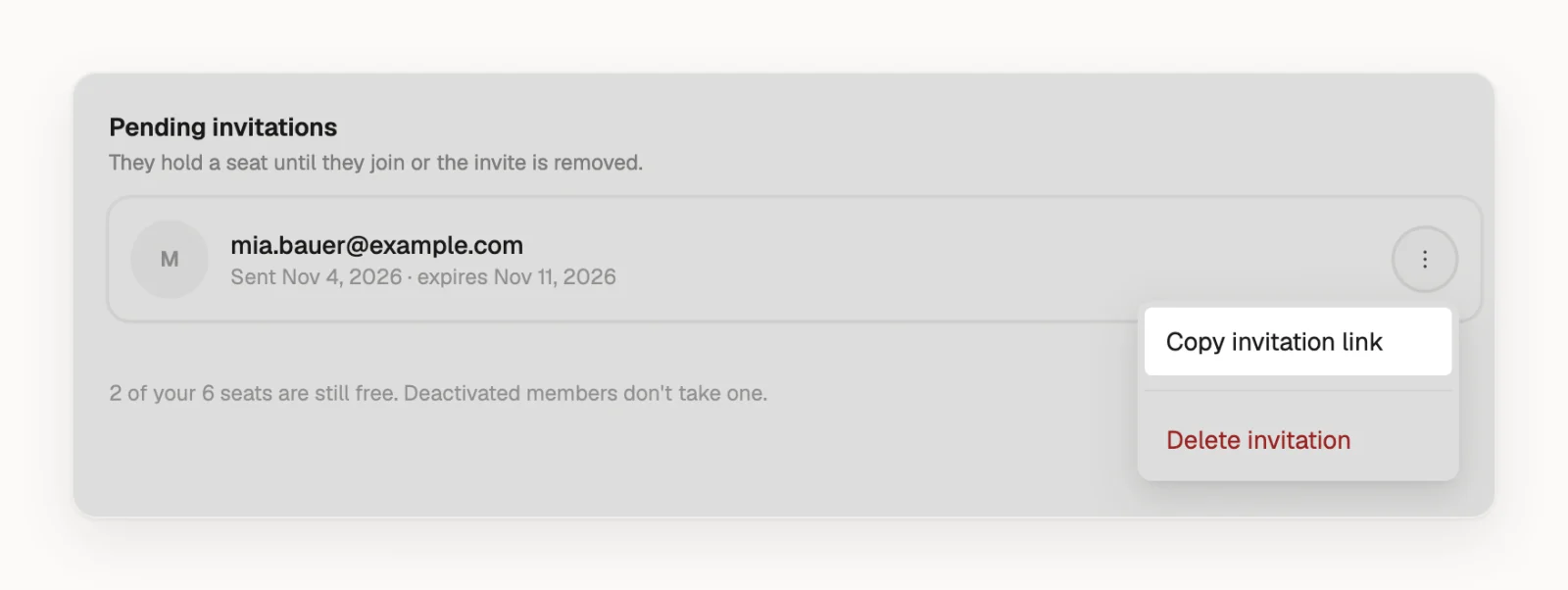
- Under Pending invitations, click next to the invitation.
- Choose Copy invitation link.
- Send it to them in a message or email.
It works until the date shown next to it, 7 days after you sent it, and for whoever opens it, so send it only to that person.
If the invitation has expired
The invitation says expired in red, and it still holds a seat. Click next to it, choose Delete invitation, then invite the address again with Invite member. Densy won't send a second invitation while the old one is there.
If they see "This invite link isn't valid"
The link has expired, the invitation was deleted, or it has already been used. If they already joined, your organization is there when they sign in. Otherwise, send a new invitation.