

Deleting an invitation turns its link off and frees the seat it was holding.
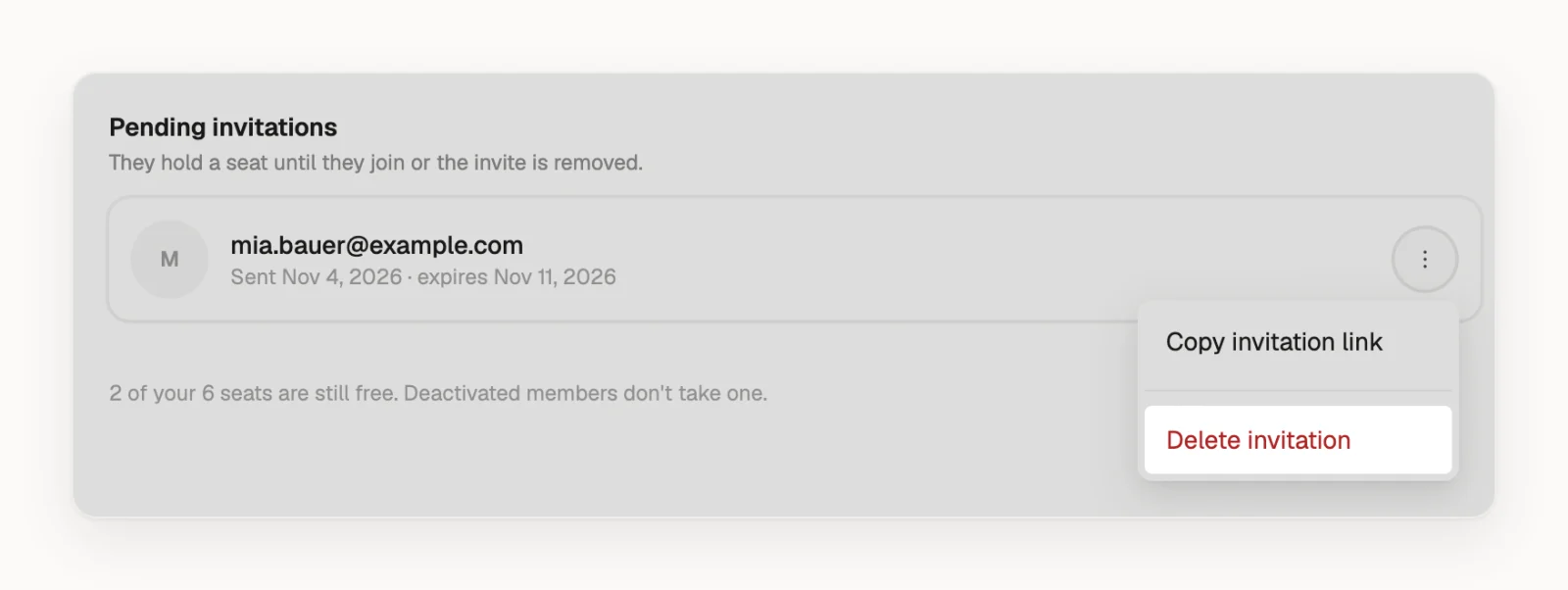
Delete an invitation
- Click your profile picture or initials in the top right and choose Team.
- Under Pending invitations, click next to the invitation.
- Choose Delete invitation, then click Delete to confirm.
If the person opens the old link, Densy tells them This invite link isn't valid.
Only admins can delete invitations.
What else to know
- Expired invitations stay in the list and hold a seat until you delete them.
- Inviting the same address again: delete the old invitation first, because Densy won't send a second one while one is waiting. Then use Invite member.
- Someone who already joined isn't under Pending invitations any more. To take their access away, click next to them under Members and choose Deactivate.
- Bringing back someone you deactivated: a new invitation won't work. Choose Restore access in the same menu instead.