

Each file you upload to Densy must be under 500 MB. Storage is shared by everyone in your organization and counts only project files.
Limits per plan
| Free | Densy Plus | |
|---|---|---|
| One file | under 500 MB | under 500 MB |
| Storage for the whole organization | 3 GB | 80 GB |
The 500 MB limit applies to every upload: project files, chat attachments, product photos and your logo.
What counts towards storage
Only the files in Project Files, across all your projects. Product photos, room images, Atrium visuals and moodboards don't count.
Densy recounts storage once a day, overnight, so a file you upload or delete shows in the total the next day.
See how much you use
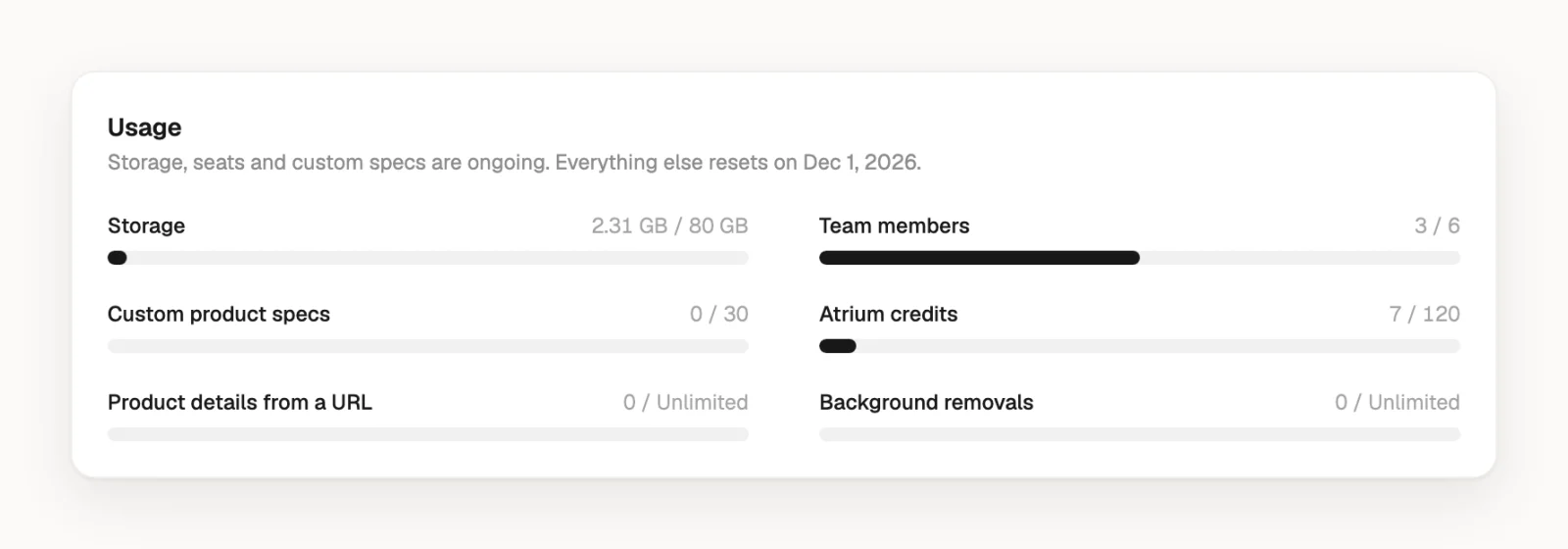
Click your profile picture or initials in the top right, choose Plan & billing and look at Storage under Usage. Only admins of your organization see this page.
When storage is full
Once the daily count reaches your limit, you can't add new files to Project Files. Files you already have stay, and everything else in Densy keeps working.
To make room, delete files you no longer need: uploads work again after the next recount. Or move to Densy Plus for 80 GB.
Going back from Plus to Free with more than 3 GB deletes nothing, but new uploads stop until you're under 3 GB.