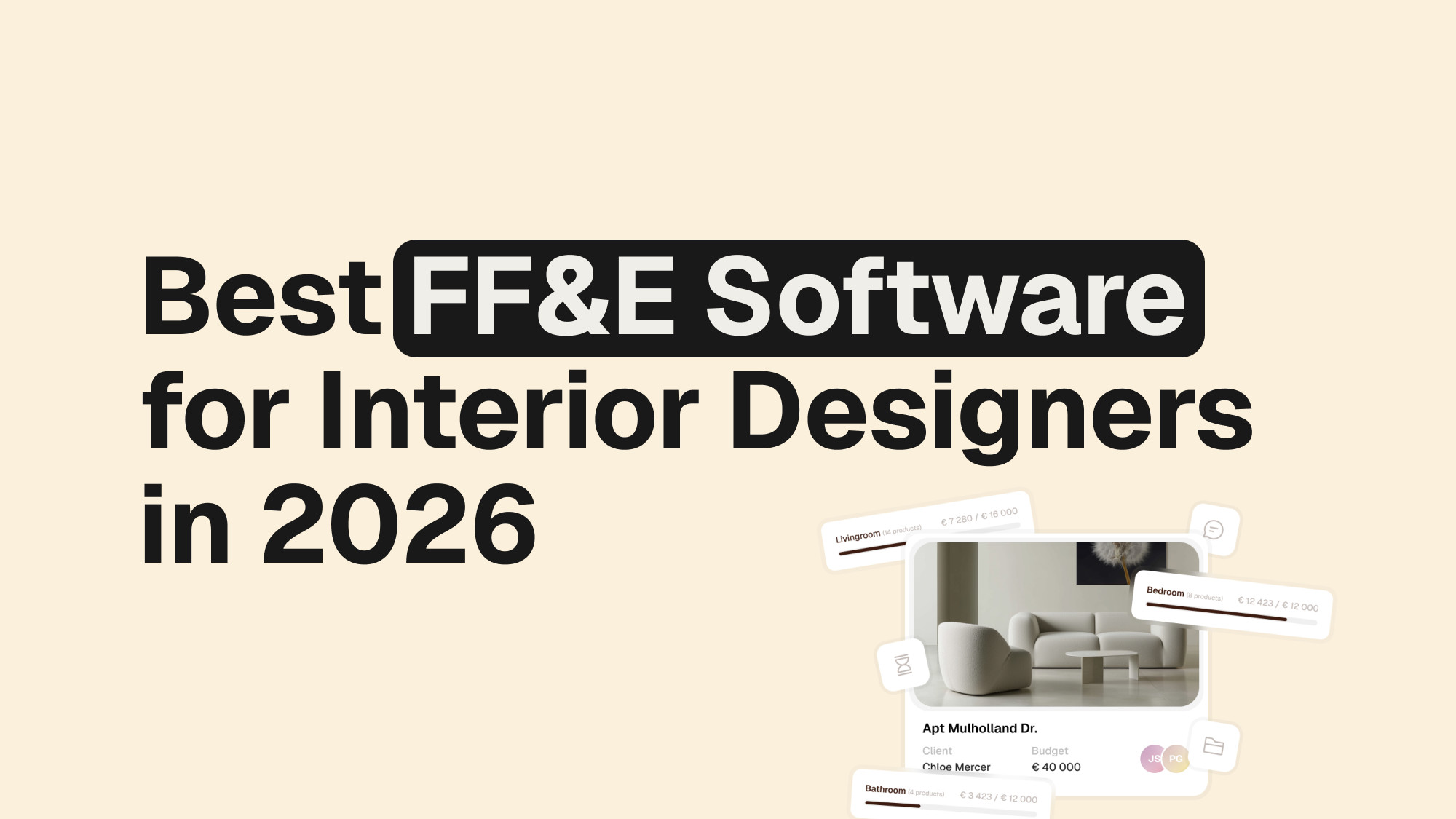
There is no single best FF&E software for every interior designer or design studio.
The right choice depends on where your biggest workflow bottleneck is. Some platforms are built around FF&E specifications and procurement, while others focus more heavily on product sourcing, client approvals, project management, design presentation, or the broader design workflow.
For a procurement-heavy practice, Programa may be the stronger choice. For a firm that needs deep financial and purchasing operations, Studio Designer may make more sense. For designers who want to connect product sourcing, specifications, client approvals, budgets and project management in one workflow, Densy takes a different approach.
This guide compares the leading FF&E software options for interior designers in 2026 and explains what each is actually best at.
Best FF&E software for interior designers: at a glance
| Software | Best for | Why consider it |
|---|---|---|
| Densy | Connecting FF&E with the wider design workflow | Product sourcing, specifications, product library, alternatives, approvals, budgets, project management and AI |
| Programa | FF&E procurement | Strong specifications, purchasing, purchase orders, procurement and order tracking |
| Studio Designer | Financial & operational management | Purchasing, accounting, billing and financial reporting in one system |
| Mydoma Studio | Client & business management | Client experience, proposals, payments, sourcing and project management |
| DesignFiles | Design presentation & workflow | Product sourcing, moodboards, presentations and client-facing workflow |
| FF&EZ | Traditional FF&E purchasing | Detailed specifications, purchasing, vendor management and order tracking |
The table is intentionally organized around what each platform is best at, rather than giving every software a generic feature score.
That is because a procurement platform and a design workflow platform can both be excellent products while solving different problems.
Densy — Best for connecting FF&E with the wider design workflow

Densy – Interior Design platform for FF&E and full interior design workflow
Densy approaches FF&E from the perspective of the designer’s entire workflow, rather than treating procurement as the centre of the system.
The platform connects product sourcing, specifications, product libraries, alternatives, client approvals, budgets, project management and AI visualization in one workspace.
The basic idea is simple: once a designer finds a product, they shouldn’t have to recreate that product’s information every time it moves to another stage of the project.
Product sourcing without manual data entry
One of Densy’s strongest features is product sourcing.
Designers can paste a product URL and Densy automatically retrieves information such as the product name, price, images, dimensions, supplier and SKU. A Chrome extension is also available for clipping products while browsing.
That means a product can move from a supplier website into the designer’s workflow without manually copying every specification field.
For designers sourcing dozens or hundreds of products across a project, this can remove a substantial amount of repetitive work.

A product library that stays connected to projects
Densy’s Product Library is more than a collection of saved products.
Designers can save products and suppliers for reuse across projects, while products used in projects remain connected to their library source.
This becomes particularly useful when product information changes.
Rather than automatically overwriting every project using the product, Densy shows where the product is being used and lets the designer decide which project locations should be updated.
That preserves project-specific information while still making it possible to maintain a central source of product data.
Product alternatives
FF&E decisions rarely happen in a straight line.
A client might prefer one fabric but need a cheaper alternative. A chair may come in several finishes. A light may be available in different sizes.
Densy allows these alternatives to be grouped under one product and organized by characteristics such as color, material or price.
The client can choose an option and the project budget can update accordingly.
This makes alternatives part of the actual product workflow rather than something that has to be tracked separately in spreadsheets or emails.
Client approvals directly inside the workflow
Once products have been sourced and specified, the next challenge is getting client approval.
Densy lets designers share a project with clients through a link. Clients can review products, approve or reject them and leave comments without creating an account or installing software.
This matters because the approval isn’t detached from the specification.
The designer can see the current state of the project instead of maintaining a separate spreadsheet of which products the client has approved.
Budgets and markups
Densy connects products with room and project budgets, pricing and markups.
Markup Mode can be configured in the Product Library, allowing saved pricing rules to carry into projects when products are added.
This is particularly useful for studios that repeatedly source products from the same suppliers or work with consistent pricing structures.
Project management beyond FF&E
FF&E rarely exists as an isolated task.
There are deadlines, team members, files, client conversations, approvals and project phases happening around the product specifications.
Densy therefore combines FF&E workflows with broader project management, including tasks, phases, deadlines, assignments and files.
Recent platform updates have also added project and room activity feeds that keep track of changes to products, approvals, comments, files and tasks.
AI that works with the actual project
Densy’s AI features are tied directly to the products being specified.
Muse AI can create room visualizations using products from the project, while Densy Studio provides a design canvas with tools such as background removal and image editing.
This distinction is important.
The AI isn’t simply generating a generic interior. It can be used as part of the workflow around the products the designer is actually considering.
Exports
Densy supports PDF and XLSX exports, including project-wide exports.
Designers can customize the information included in Excel exports and adjust PDF settings depending on what needs to be shared with clients, suppliers or other project stakeholders.
Where Densy is not the best fit
There is one important limitation to understand.
Densy is not a procurement platform.
It does not currently provide the full purchasing workflow of platforms such as Programa, including purchase orders and procurement/invoicing.
That is not a weakness that should be hidden in a comparison. It is what makes the distinction between these platforms useful.
If your biggest problem is purchasing, order tracking and procurement, look closely at Programa.
If your biggest problem is the amount of manual work between finding a product and getting it sourced, specified, presented, approved, budgeted and managed, Densy’s broader design workflow is where it becomes particularly relevant.
Programa — Best for FF&E procurement
Programa is one of the strongest choices for interior designers whose FF&E workflow extends deeply into procurement.
Its platform is built around specifications, product sourcing, project management, client collaboration and purchasing operations. Procurement includes purchase orders and tracking products through the purchasing process.
That makes Programa particularly attractive for studios where the workflow looks like:
Source → Specify → Approve → Purchase → Track → Deliver → Install
Programa’s strength is that it doesn’t stop at the specification.
It connects the FF&E schedule to what happens after the client has approved the products.
Choose Programa if:
- Procurement is a major part of your workflow.
- You need purchase orders.
- You need to track purchasing and deliveries.
- Your FF&E schedules need to connect directly to procurement.
- You want procurement and studio management in the same platform.
Programa is arguably the stronger choice when procurement is the primary problem you are trying to solve.
That does not automatically make it the best choice for every interior designer, because many designers are looking for software to solve problems that happen before procurement — particularly sourcing, specification creation, client approvals and project organization.
Studio Designer — Best for financial and operational management
Studio Designer is aimed at firms that need their design workflow to connect deeply with purchasing, accounting, billing and financial management.
It is particularly relevant when FF&E isn’t just about specifying products but also about managing the financial operation around those products.
For established firms, this can be a major advantage.
Instead of separating design management from purchasing and accounting, Studio Designer connects those operational processes within one system.
Choose Studio Designer if:
- Accounting is a major requirement.
- You need deep purchasing functionality.
- Client billing is tightly connected to project operations.
- Financial reporting is as important as design workflow.
If your priority is a modern product-to-client workflow rather than running the firm’s financial operations inside the same system, another platform may be a better fit.
Mydoma Studio — Best for client and business management
Mydoma Studio takes a broader approach to interior design business management.
The platform combines project management, sourcing, design presentations, client management, proposals, payments and other business workflows.
Its strength is the client and business side of interior design.
That makes it attractive for designers who don’t want a system that focuses exclusively on FF&E schedules but instead want software that manages the broader relationship with the client.
Mydoma itself describes the market as one where there is no single best interior design platform: the right choice depends on whether the firm’s priority is client-facing work, procurement and financial reporting, or a lighter visual workflow.
Choose Mydoma if:
- Client management is a major priority.
- You need proposals and payments alongside projects.
- You want sourcing and presentations in the same platform.
- You want a broader business-management system rather than a dedicated FF&E tool.
DesignFiles — Best for design presentation and workflow
DesignFiles is particularly strong for designers whose workflow is heavily centered around sourcing, visual presentation and client-facing design work.
The platform combines product sourcing, moodboards, design presentations, project management and purchasing-related functionality.
This makes it a useful middle ground between a visual design platform and an operational project-management tool.
Choose DesignFiles if:
- Presentations and moodboards are central to your process.
- You want product sourcing built into the design workflow.
- You need client-facing design tools alongside project management.
- You don’t need the depth of financial operations offered by Studio Designer.
FF&EZ — Best for traditional FF&E purchasing
FF&EZ is a long-established FF&E platform built around structured specifications and purchasing.
Its Design/Purchasing workflow covers specifications, purchase orders, order tracking, invoices and vendor-related processes. It is particularly relevant to complex projects with large numbers of FF&E items and repetitive spaces.
Choose FF&EZ if:
- You work on complex FF&E projects.
- Purchasing is a central part of the workflow.
- You need detailed vendor and order management.
- You want a mature, traditional FF&E purchasing system.
So which FF&E software is actually best?
The answer depends on where your workflow begins and where it needs to end.
If the workflow begins with a product and needs to end with a purchase order, Programa is one of the strongest options.
If it begins with a project and needs to connect design, sourcing, client management, accounting and purchasing, Studio Designer may be the better fit.
If the centre of the workflow is the client and the broader design business, Mydoma Studio is worth considering.
If visual presentation is the priority, DesignFiles is a strong option.
If the main problem is specification management, Gather is more focused.
If traditional FF&E purchasing is the core requirement, FF&EZ remains relevant.
And if the problem is everything that happens between finding the product and getting it into a complete, approved and budgeted project, Densy takes a particularly strong position.
That distinction is important because an interior designer doesn’t necessarily need procurement software.
They may need software that eliminates the hours spent:
- finding products
- copying product information
- rebuilding specifications
- managing alternatives
- updating product data
- creating client presentations
- chasing approvals
- updating budgets
- maintaining project files
- exporting information for clients and suppliers
That is the workflow Densy is designed around.
How to choose the right FF&E software
Instead of comparing feature counts, start with the point where your current workflow breaks.
If your biggest problem is sourcing and specification creation
Look at Densy, Programa, Mydoma Studio and DesignFiles.
Pay particular attention to how much manual product data entry each platform requires.
If your biggest problem is client approvals
Look at Densy, Programa, Mydoma Studio and DesignFiles.
The important question isn’t simply whether a client portal exists. Ask how easily a client can approve individual products and whether those decisions remain connected to the project.
If your biggest problem is procurement
Look first at Programa, Studio Designer and FF&EZ.
This is where dedicated procurement functionality becomes significantly more important.
If your biggest problem is accounting and financial management
Look at Studio Designer first, then compare it with platforms that cover the design workflow but don’t attempt to replace a dedicated financial system.
If your biggest problem is project-wide organization
Look at Densy, Programa, Mydoma Studio and Studio Designer.
The important question is whether product information, tasks, files, approvals and budgets live in the same project rather than being scattered across different tools.
Densy vs. Programa: which should you choose?
Densy and Programa are a particularly useful comparison because they overlap in several areas but have different centres of gravity.
Programa is procurement-first. Densy is design-workflow-first.
Programa is the stronger choice when the workflow needs to continue from specifications into purchase orders, procurement and order tracking.
Densy is stronger when the challenge is everything happening around the product before and during approval: sourcing, automatic product data capture, product libraries, alternatives, client approvals, budgets, project management and AI visualization.
So the question isn’t:
“Which has more features?”
It is:
“Where is the biggest bottleneck in my workflow?”
If the answer is procurement, choose accordingly.
If the answer is everything leading up to procurement, Densy deserves a closer look.
Densy vs. Mydoma Studio: which should you choose?
Both platforms cover broad interior design workflows, but they emphasize different parts of the process.
Densy places a particularly strong emphasis on product data and the product workflow: sourcing, specifications, product libraries, alternatives, approvals and budgets.
Mydoma puts more emphasis on the client and business relationship, including proposals, payments, project management and client-facing workflows.
If your biggest pain is managing products and specifications, Densy is worth considering.
If your biggest pain is managing the wider client relationship and business administration, Mydoma may be the better fit.
Can FF&E software replace Excel?
For many interior design workflows, yes — but the real benefit isn’t simply replacing an Excel file.
The problem with spreadsheets is that the same product information often gets copied into several places:
- sourcing sheets
- room schedules
- presentations
- budgets
- approval trackers
- specification documents
- purchasing documents
When something changes, the designer has to remember every place where that information appears.
Modern FF&E software solves this by treating the product as structured project data rather than a row in a spreadsheet.
That is why product libraries, connected specifications, alternatives, approvals and live budgets can be more valuable than simply having a better-looking spreadsheet.
Which FF&E software has AI?
AI is becoming increasingly common across interior design software, but the important question is what the AI actually does.
Some tools use AI primarily for visualization.
Others use it to retrieve product information, enrich specifications or automate repetitive administrative work.
Densy combines AI-powered product information enrichment with Muse AI and Densy Studio, where designers can work with the actual products in their project to create room visualizations.
For designers evaluating AI capabilities, the useful question is therefore not:
“Does this software have AI?”
It is:
“Does the AI work with my actual design workflow and project data?”
Final verdict: the best FF&E software depends on the job
There is no universal winner in FF&E software.
Programa is one of the strongest choices for procurement-heavy workflows.
Studio Designer is particularly strong for financial and operational management.
Mydoma Studio is well suited to client and business management.
DesignFiles is a strong option for visual design presentation and sourcing.
Gather is a focused specification-management option.
FF&EZ is built for traditional, structured FF&E purchasing.
Densy is strongest when you want to connect the broader design workflow around FF&E — from sourcing and specifications to product libraries, alternatives, client approvals, budgets, project management and AI visualization.
The key is to choose software based on the work you actually need to eliminate.
For some studios, that work is procurement.
For others, it is the hundreds of small administrative tasks that happen before a product ever reaches procurement.
And that is where the difference between FF&E software and a broader interior design workflow platform becomes important.