

Creating, editing and filming in Atrium use credits. They belong to the whole organization, so everyone on the team draws from the same monthly credits.
How many you get
| Free | Densy Plus | |
|---|---|---|
| Atrium credits a month | 5 | 120 |
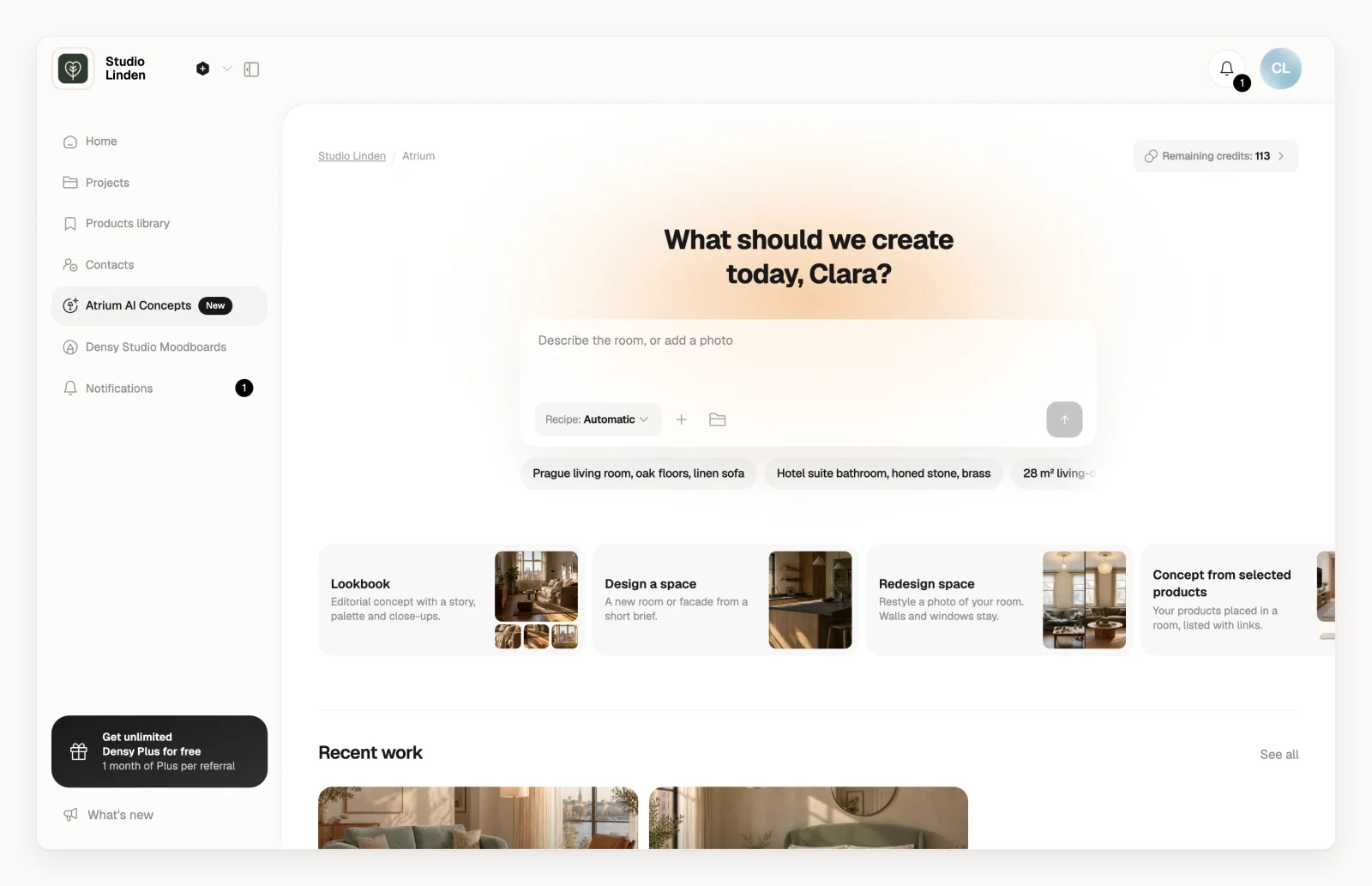
Remaining credits: at the top of the Atrium page shows what's left. Click it for the reset date. They're also under Atrium credits in Plan & billing.
What uses a credit
| What you do | Credits |
|---|---|
| Create a visual, with any recipe | 1 |
| Edit a visual (the whole image or one thing in it) | 1 |
| Floorplan to concepts | 1 per room you generate |
| Make a flyover on a Lookbook | 5 |
These are free: Automatic picking a recipe, a Lookbook's story, palette and close-ups, going back to an earlier version, renaming, downloading, PDFs, sharing and adding a visual to a project. A failed image or edit gives the credit back, and a flyover is charged only when the video is ready.
When credits reset
On Free, credits reset on the 1st of every month. On Densy Plus, they reset when your billing period renews. Unused credits don't carry over.
When you run out
When you try to create or edit without enough credits left, the credits window opens (titled Out of credits when you have none left). Your visuals stay: you can still open, download, share and add them to projects.
On Free, click Upgrade to Plus in that window for 120 credits a month. Otherwise new credits arrive at the next reset.