

Every designer who signs up through your link and starts a real client project earns you a month of Densy Plus. There's no cap.
Share your link
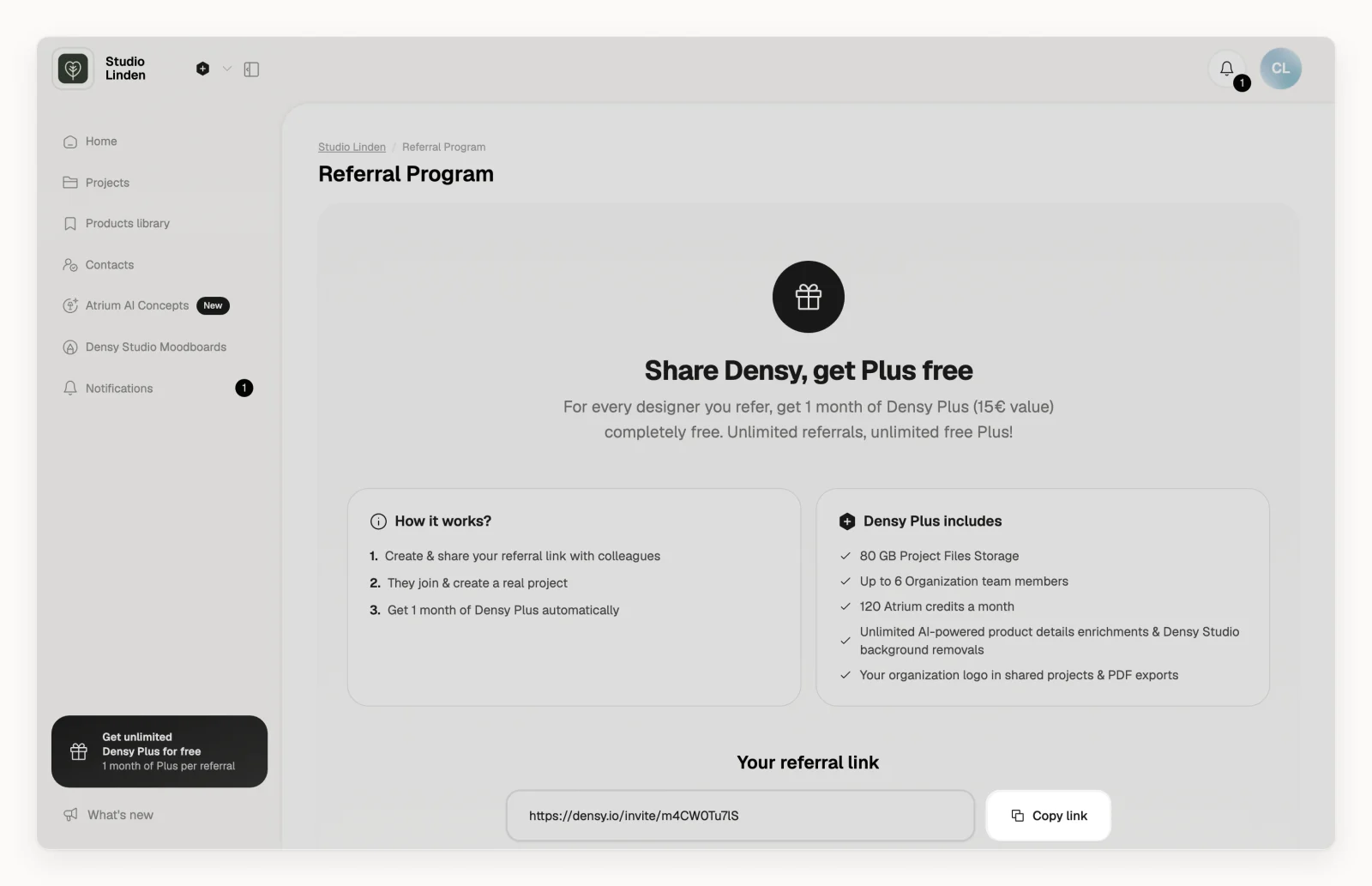
- Click your profile picture or initials in the top right and choose Referral program. Or click Get unlimited Densy Plus for free in the sidebar.
- Click Copy link and send the link to another designer. If you see Generate referral link instead, click it first.
When a referral counts
- The designer opens your link and creates a new Densy account. Signing in to an account they already had doesn't count.
- They start a real client project: one they've shared with a client or exported.
- You get a month of Densy Plus.
The month goes to your organization. If you're in several, it goes to the oldest one where you're an admin; if you aren't an admin anywhere, none is added.
How the month is added
- On Free: your organization gets Plus for 30 days, shown on Plan & billing as Densy Plus bonus period. Each new referral adds 30 days. Then you're back on Free, unless you click Subscribe now before; the days left stay free.
- During the 14-day trial: the trial days left and the 30 days are added together.
- On a paid subscription: your next payment moves 30 days later.
See who signed up
Referred designers on the referral page lists them. One marked Pending hasn't added a month yet; if you think it should have, write to support@densy.io.
Densy can take the Plus back for bot accounts, duplicate sign-ups or accounts made only to earn Plus.