

Densy Plus is per organization: one subscription covers everyone in it.
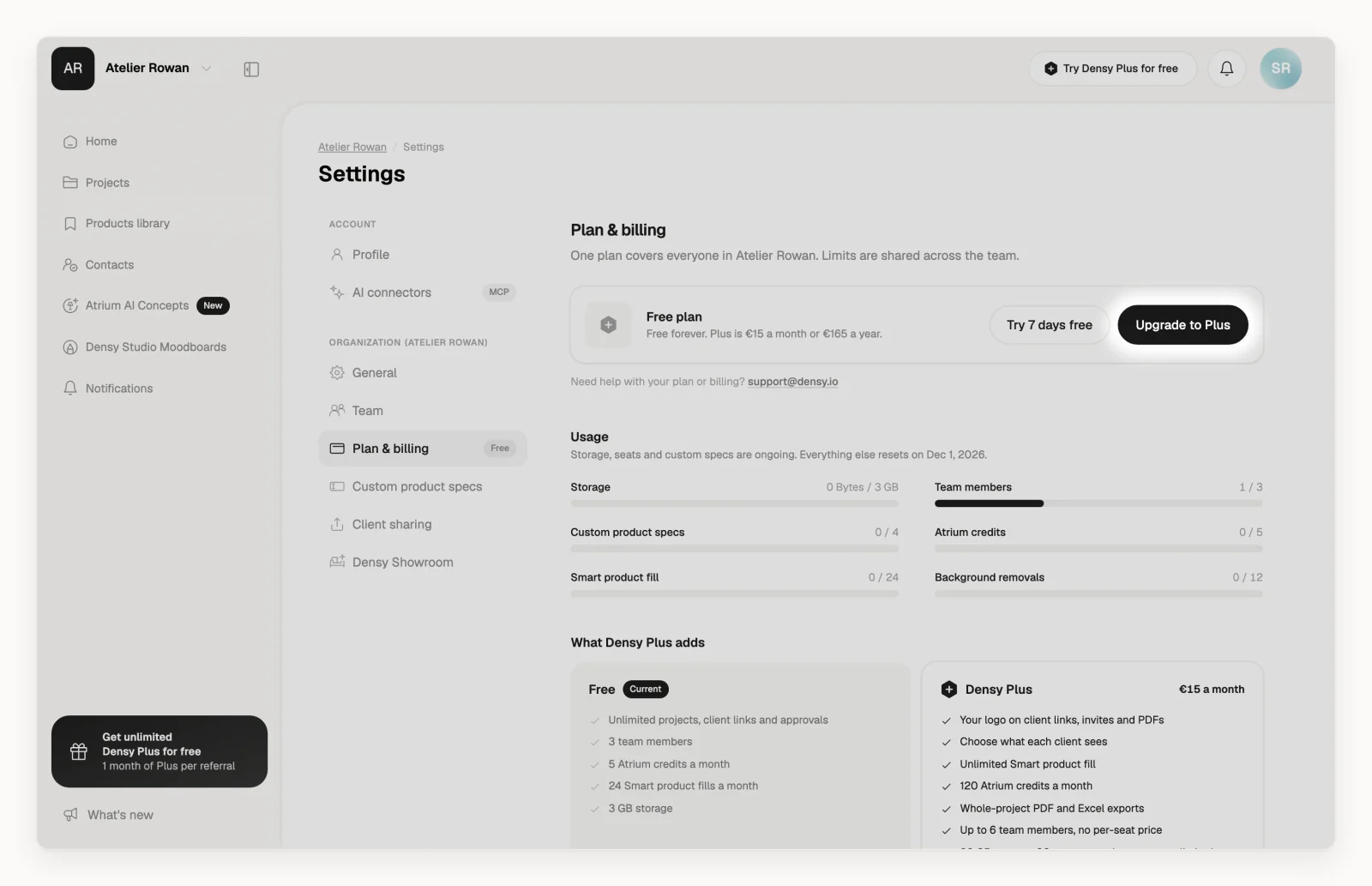
Upgrade
- Click your profile picture or initials in the top right and choose Plan & billing.
- Click Upgrade to Plus.
- Choose monthly, or yearly with 1 month free.
- In Stripe's checkout, enter your billing address and payment details. There are fields for a tax ID and a promotion code.
- Confirm the payment. Plus now applies to the whole organization.
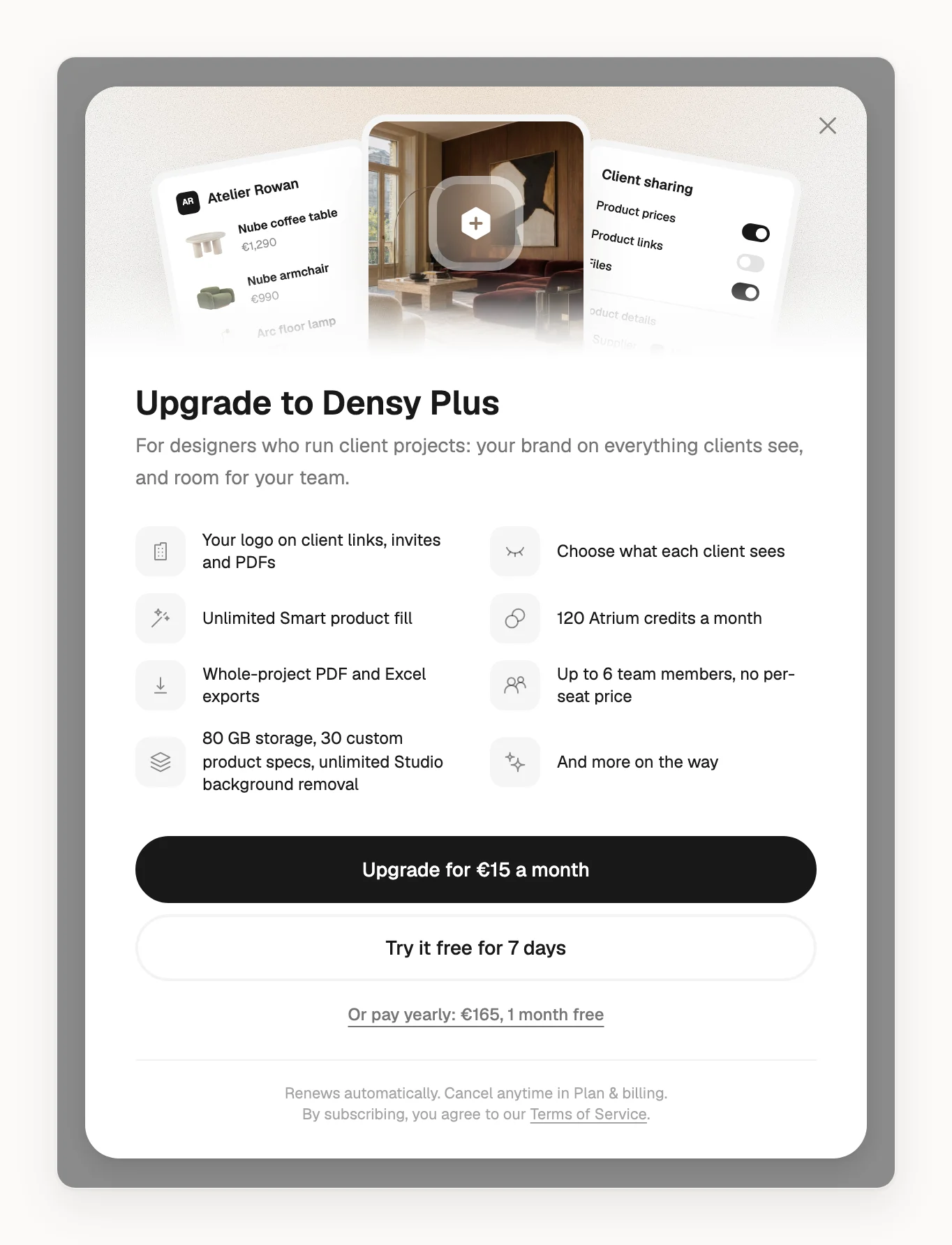
Price and billing
- The prices are on Plan & billing and the pricing page. If you use Densy in Czech, you pay in Czech crowns; in every other language, in euros.
- Plus renews automatically, monthly or yearly, until you cancel: see How do I cancel Densy Plus?
- Paying monthly, you can switch to yearly on Plan & billing with Switch to yearly, 1 month free.
- Invoices lists your invoices. Manage subscription opens Stripe, where you change your card or billing details.
If a payment fails, Plus stays on while we try again: see What do I do about a billing problem?
Try Plus free first
If your organization hasn't had Plus before, you can try it free for 7 days, no card needed: on Plan & billing, click Try 7 days free.
When the trial ends, you're back on Free with everything you made. If you subscribe during the trial with Subscribe now, the days left stay free.
Free months from referrals work the same way: see How does the Densy referral program work?
What changes with Plus
| Free | Densy Plus | |
|---|---|---|
| Storage | 3 GB | 80 GB |
| Team members | 3 | 6 |
| Custom product specs | 4 | 30 |
| Atrium credits a month | 5 | 120 |
| Smart product fill a month | 24 | Unlimited |
| Background removals a month | 12 | Unlimited |
Plus also puts your logo on client links, invites and PDF exports, lets you choose what each client sees, and adds whole-project PDF and Excel exports.
Only admins of your organization can upgrade. If you're not an admin, ask one in your team.