

Invite a client by email and they get their own link to the project. They open it in the browser, without an account or a password.
Invite a client by email
- Open the project and click Share project in the top right.
- Under Invite clients, type the client's email, or start typing their name and pick them from the list.
- Click Send invite.
If the client's email is in Contacts when you invite them, their name shows next to their comments and messages. Otherwise Densy shows their email address.
Don't see Share project? Ask an admin in your team to invite the client.
What happens next
The client gets an email with a button that opens the project. It comes from your organization's name, and replies go to your email address. Their link works until you revoke it.
They start with your default permissions for new clients. To change them, see How do I control what a client can see and do? For the emails they get about updates, see How are clients notified about project updates?
Emails go out in the language you use Densy in when you send the invite.
Change the invite email
On Densy Plus, click Customize email before you send to change the subject, greeting, message and button text. Switch off Show organization logo to leave your logo out.
Send the link again
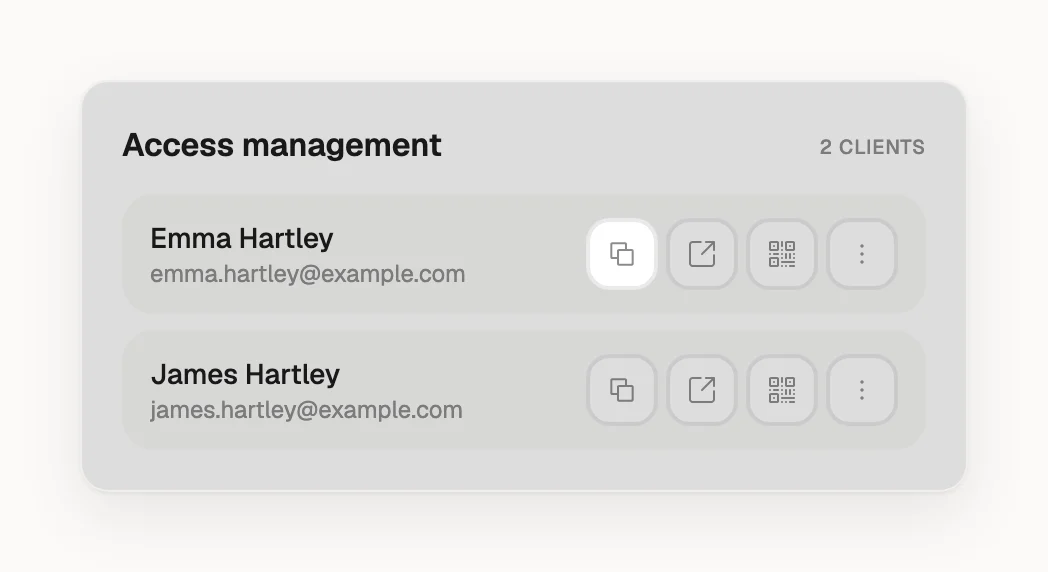
There's no resend button. Under Access management, click next to the client and send them the link yourself.
Remove a client
Under Access management, click next to the client and choose Revoke access. Their link stops working at once. If you invite them again later, they get a new link with your default permissions.
If you also made a share link under Share project with link, anyone who has it can still open the project. Revoke it there too ( → Revoke access).
Invite by email or share a link?
A share link (Create a share link) opens the project for anyone who has it, shows their comments as anonymous and sends no update emails. When several people on the client's side work on the project, invite each by email so you can tell who wrote what.